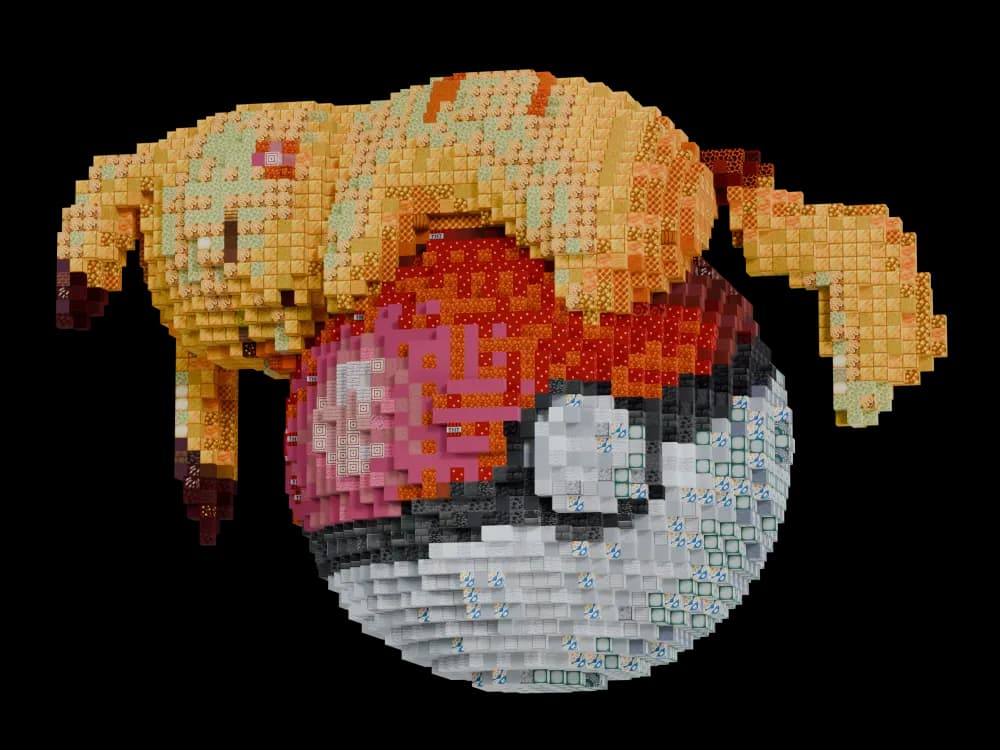
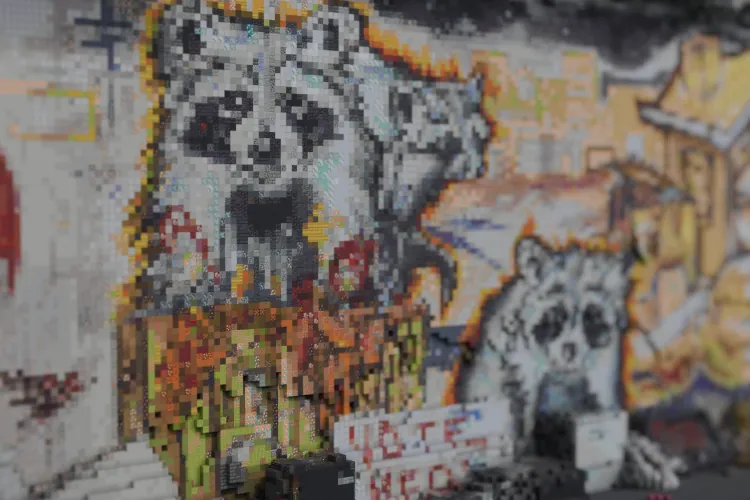
Minecraft builds in seconds
Upload a 3D model or generate one with AI and convert it to blocks.
Just download the mod or do it directly in your browser.
NO ACCOUNT/PAYMENT NEEDED
See it in action
How it works
Install the mod
Download it from CurseForge and drop it in your .minecraft/mods folder.
Import a model into your world
Open the mod menu with the P key and upload a 3D model or generate one with AI from a prompt.
Position, rotate, and scale the build
Enter Edit Mode with the G key to move, rotate and scale the object.
Customise the build in the settings menu
Open the mod menu again with the P key to see all the settings you can tweak.
Paste into your world
Click the paste button or build in it survival using ghost blocks and the slice viewer. You're done!
Trusted by builders
Feature highlights
No limits
No cap on build size, and no usage limits.
Client-side
Works on any server. If the server also runs the mod, you can paste straight into the world.
Private by default
Models are converted on your machine and never uploaded.
Maintained since 2021
Regular releases, and still shipping.
Lasso masking
Use masks to add/subtract regions of the model.
Project files
Save your setup to a project file and pick up where you left off later.
Create from images/text
Upload an image or describe what you want and generate a model to use.
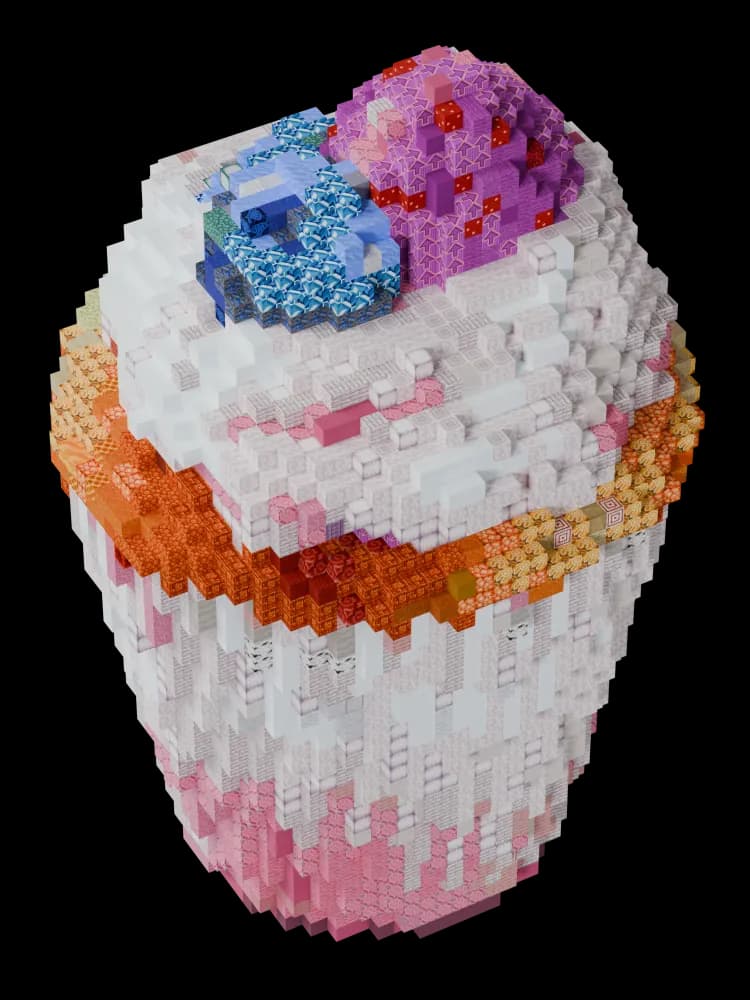
Made with ObjToSchematic
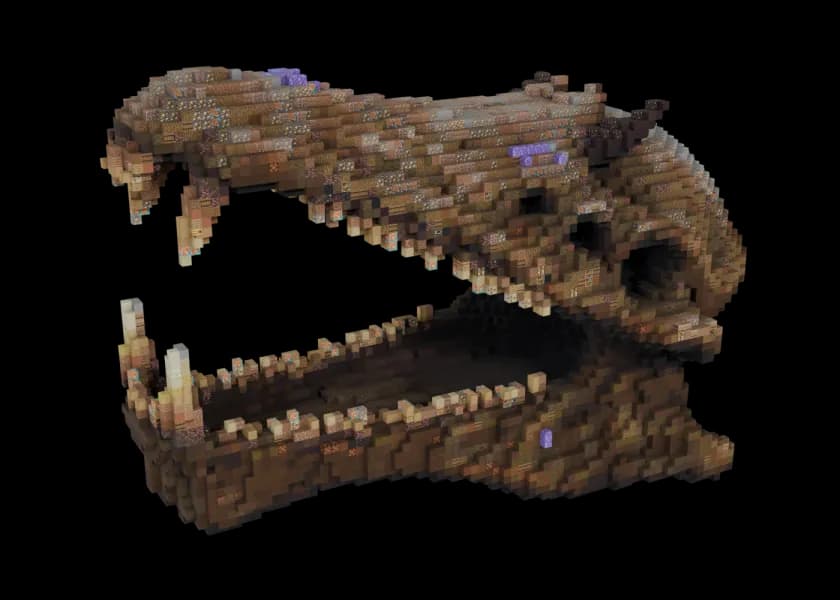
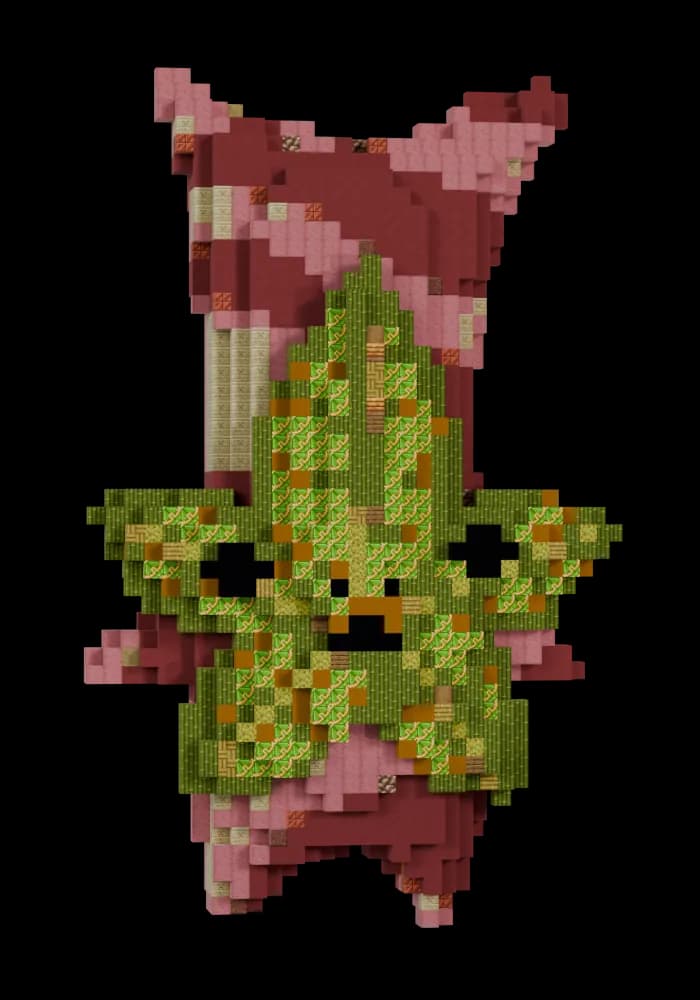
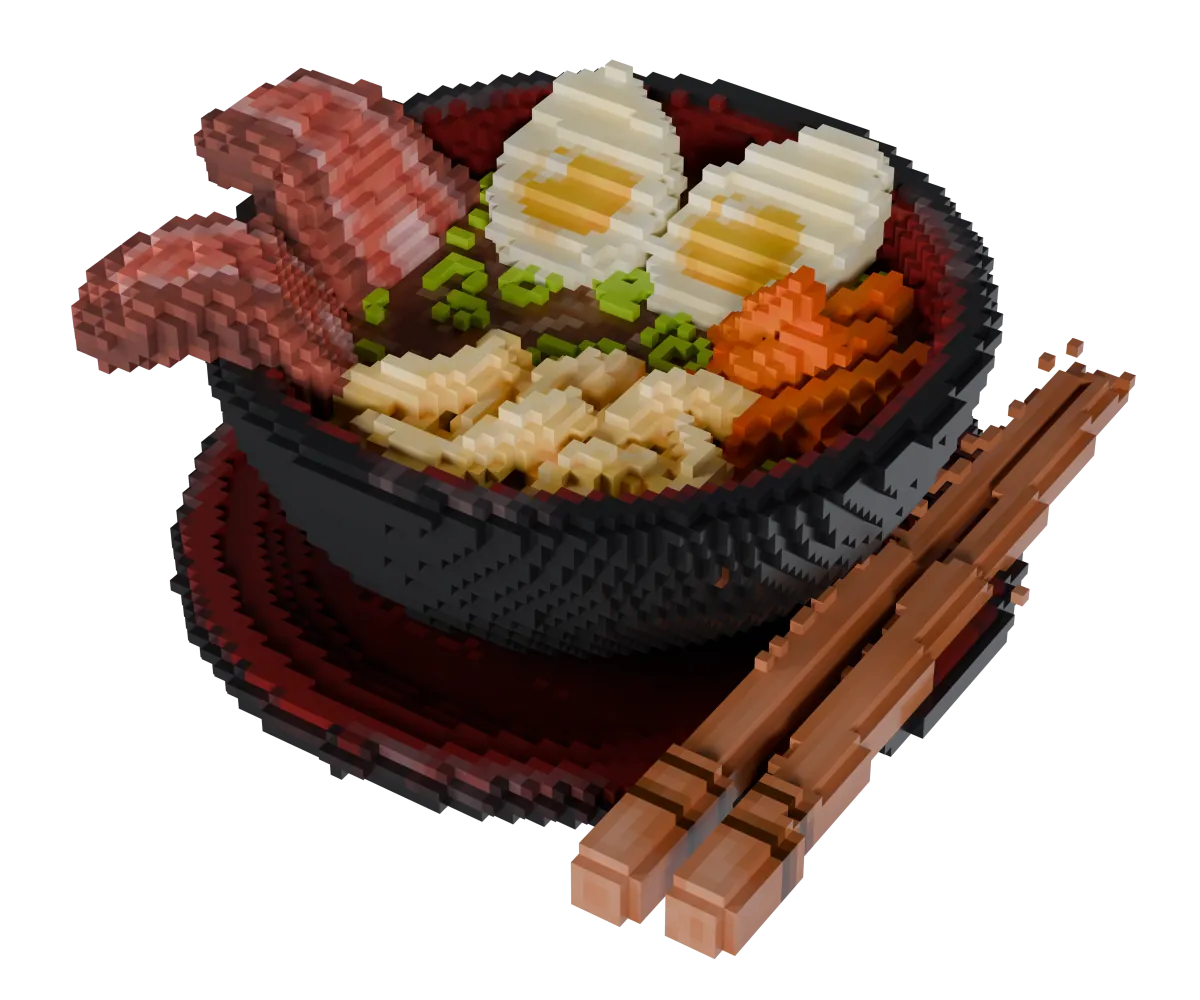
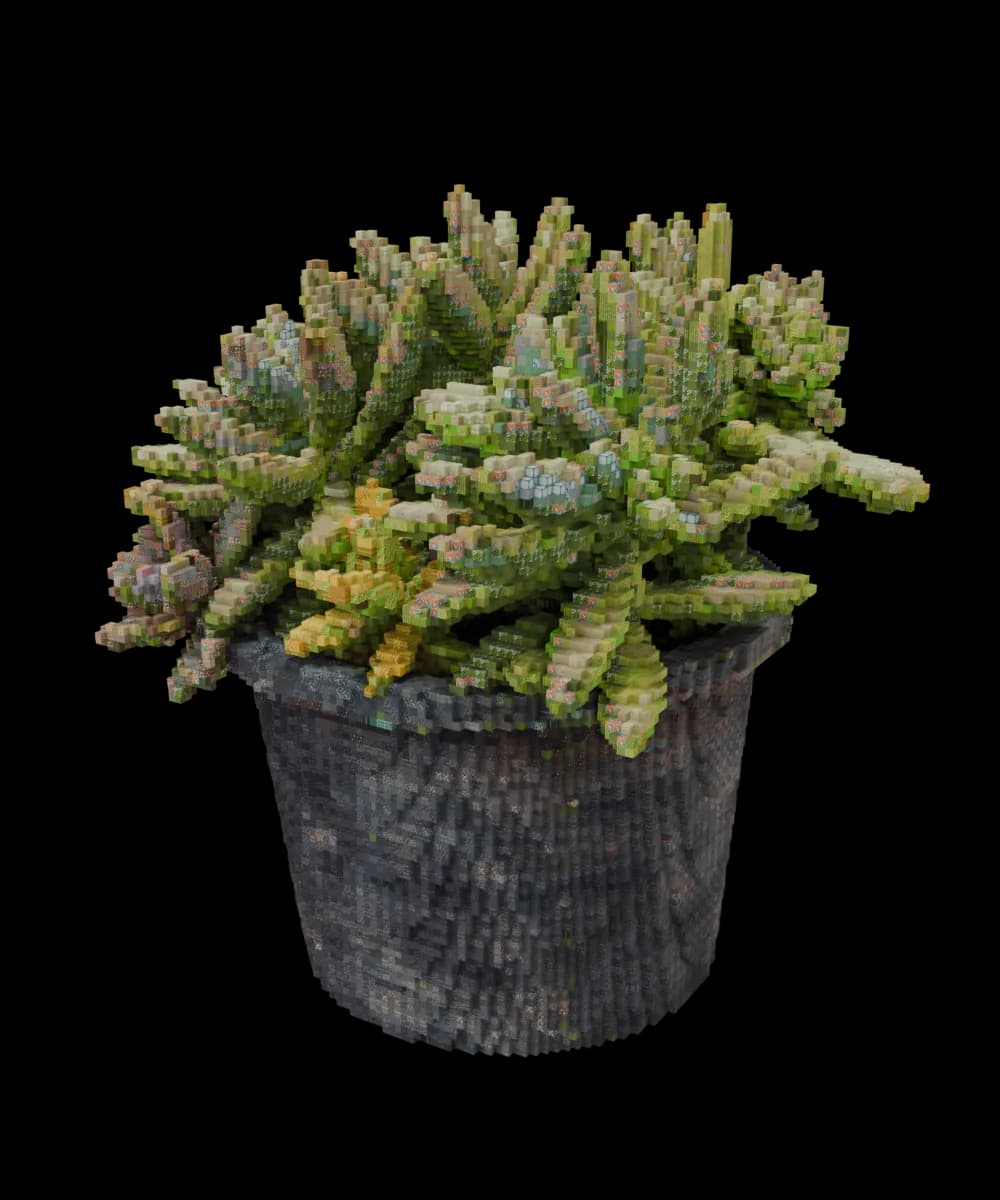
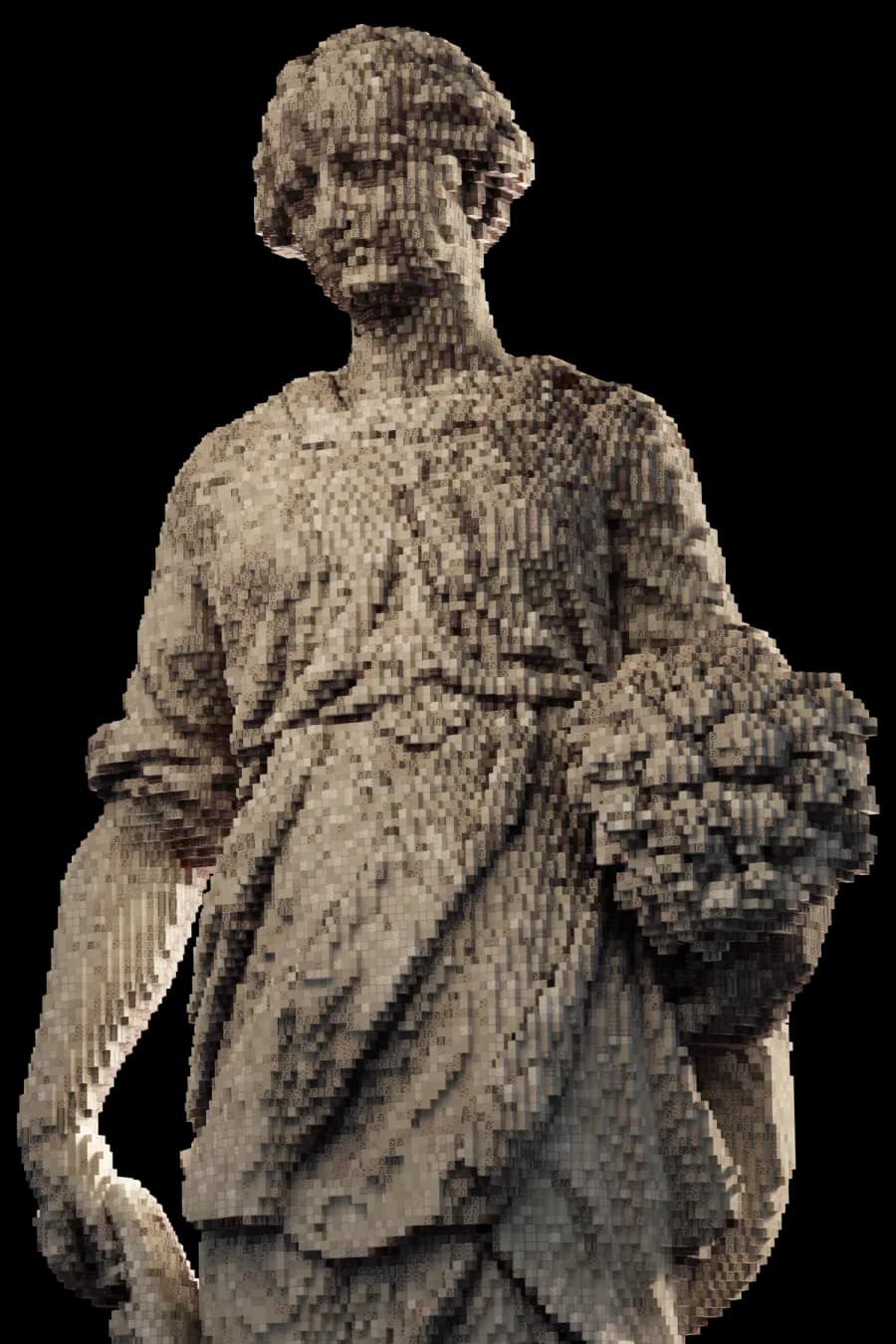
Each has been exported as a glTF from ObjToSchematic and rendered in Blender.