 ObjToSchematic Wiki
Pro Features
Unlock the full feature set of OtS
Pro is an optional upgrade for users who want additional tools or would like to support/fund the continued development of ObjToSchematic.
To upgrade or see more info, visit the Account page.
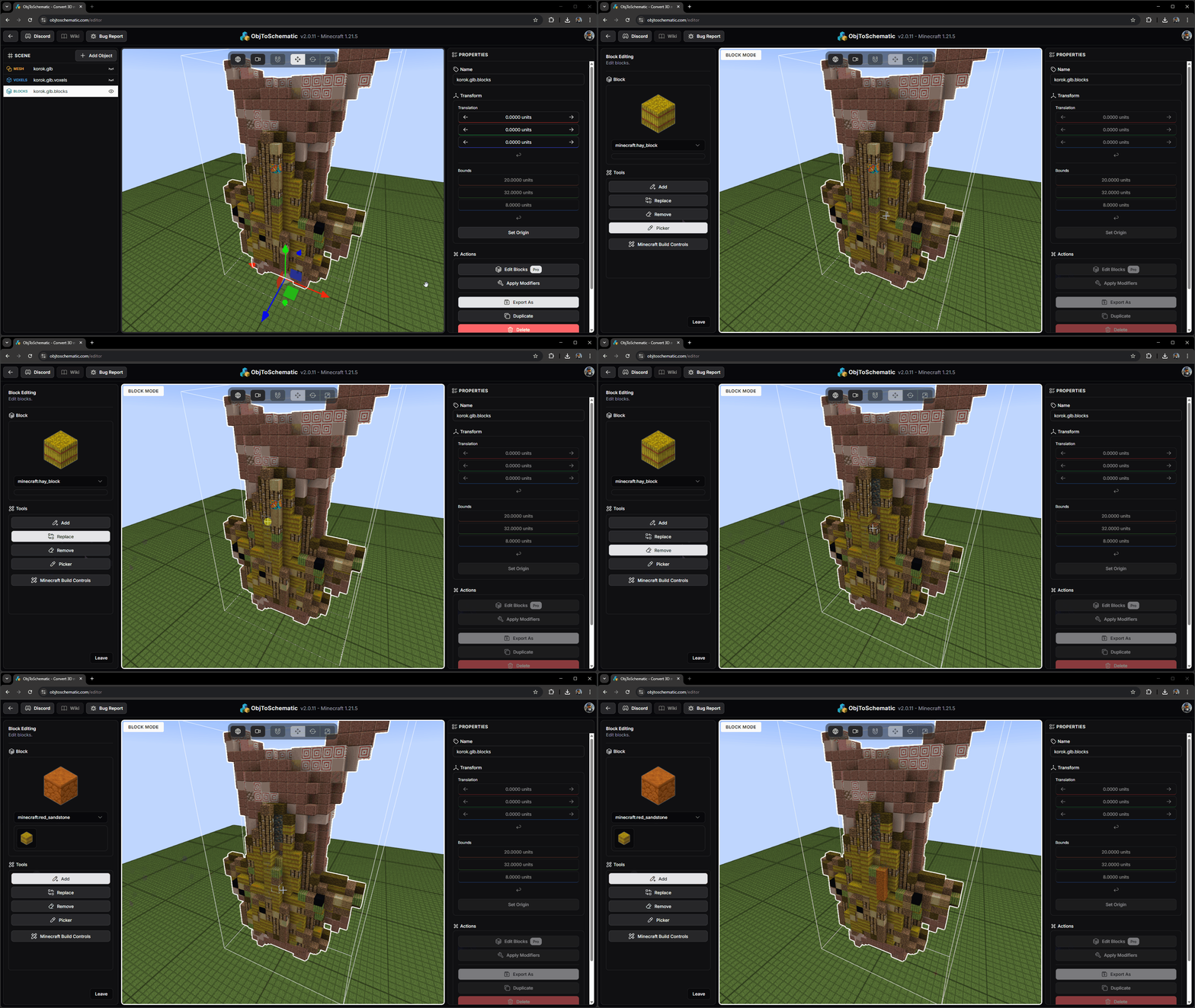
Voxel/Block Painting
Place/replace/remove voxels and blocks directly in the editor!
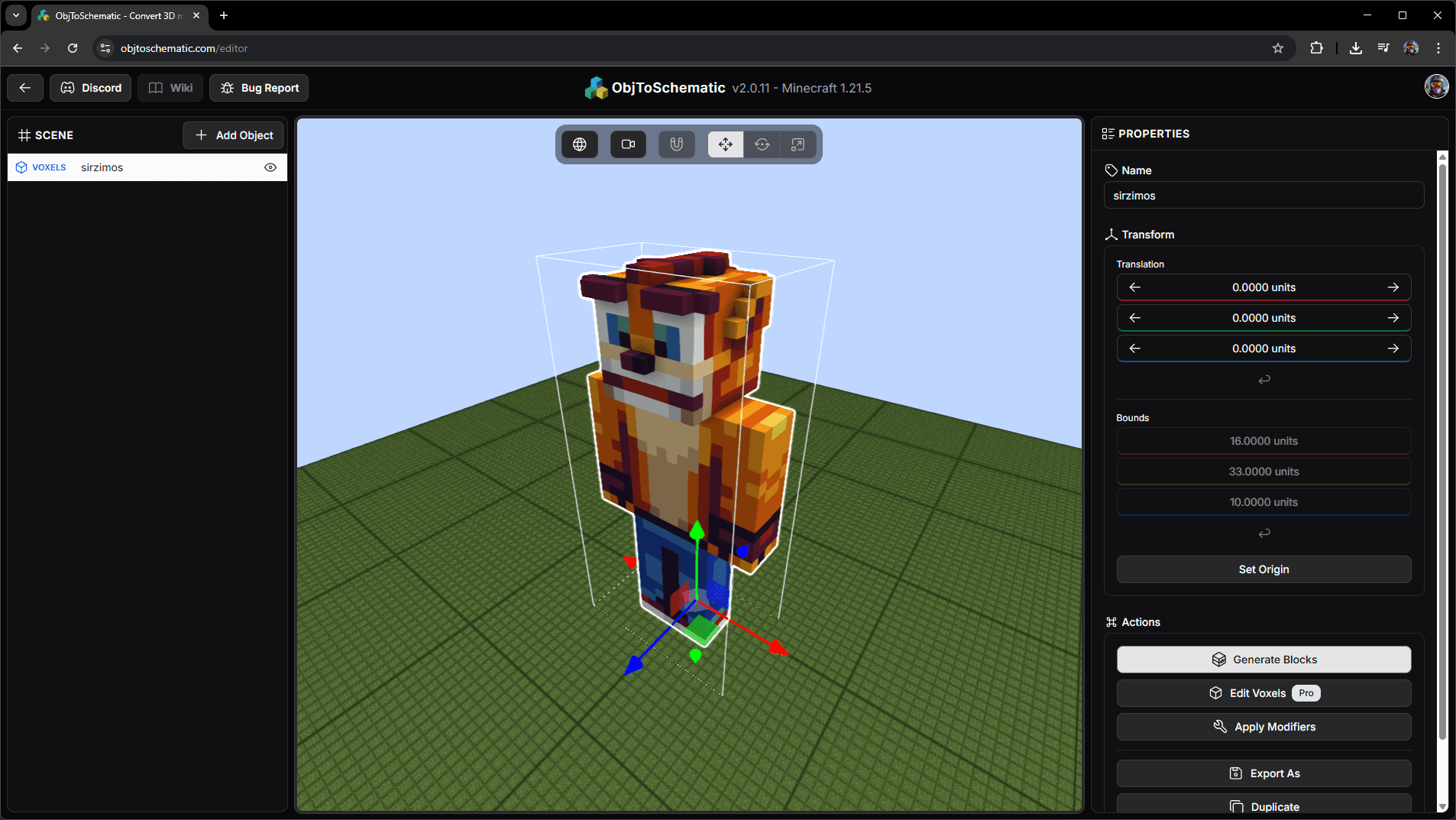
Import Minecraft Skins
Import a statue of a Minecraft skin by using a Java username or by uploading a skin file.
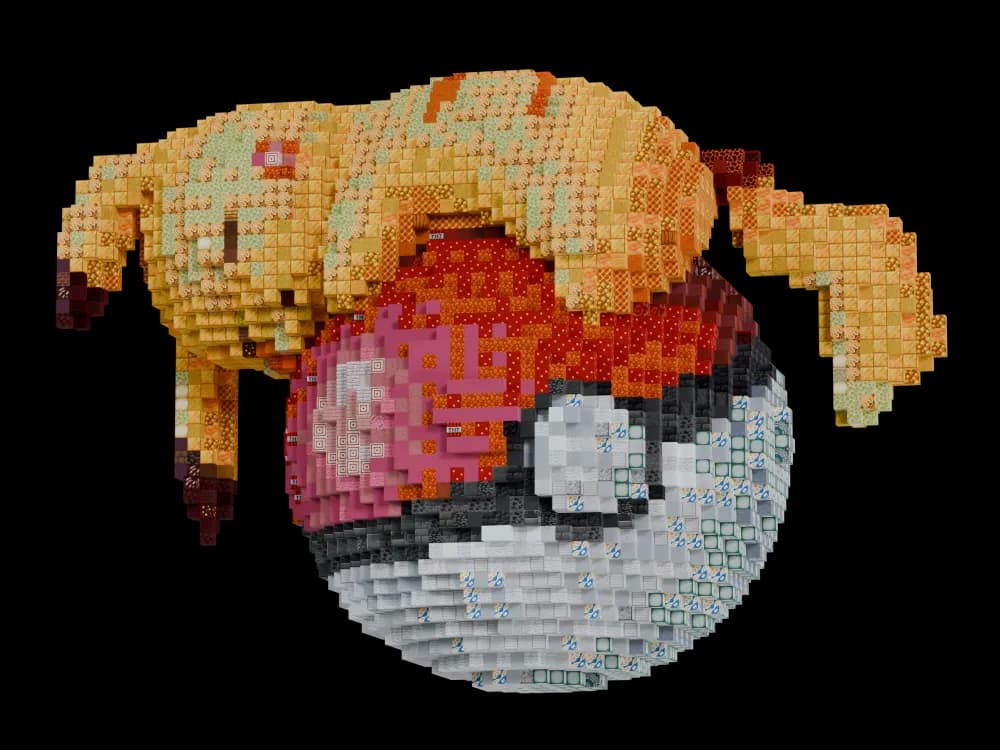
Export to glTF
Export your Voxels and Blocks objects as glTF objects! Import them into Blender or other 3D software to create pretty renders.
Lua Scripting
Write Lua scripts to programatically make Voxels and Blocks objects. You can query, add, replace voxels and blocks to create whatever structures you like.
You can also apply scripts as modifiers to tweak exising objects.
Lua Scripting
How to write Lua scripts for use in OtS.
Resource Packs
Upload resource packs to create your own .ots_atlas files to allow ObjToSchamtic to use different block textures. In addition, the colour calculations will better represent your new textures instead of the base Minecraft textures.
Resource Packs
Use textures from a resource pack in OtS.
Custom Minecraft Versions
You can create your own .ots_atlas files based off a specific Minecraft version. This is useful for making your Blocks objects only use blocks from that version of the game. Additionally,
the colour values will match what they looked like in that version.
Custom Minecraft Versions
Use textures from a resource pack in OtS.
Modded Blocks
Upload the blockstate data for your custom blocks into ObjToSchamtic to allow it to choose those blocks when creating Blocks objects.
Modded Blocks
Upload modded blocks into OtS.
Pro Voxel Modifiers
Pro modifiers for Voxels objects include:
- Colour Palette,
- Clustering,
- Median Cut,
- Script.
Visit the Voxel Modifiers page to learn more.
Pro Block Modifiers
Pro modifiers for Blocks objects include:
- Script.
Visit the Block Modifiers page to learn more.