ObjToSchematic Wiki
Voxel/Block Painting
Editing voxel and blocks directly in the editor.
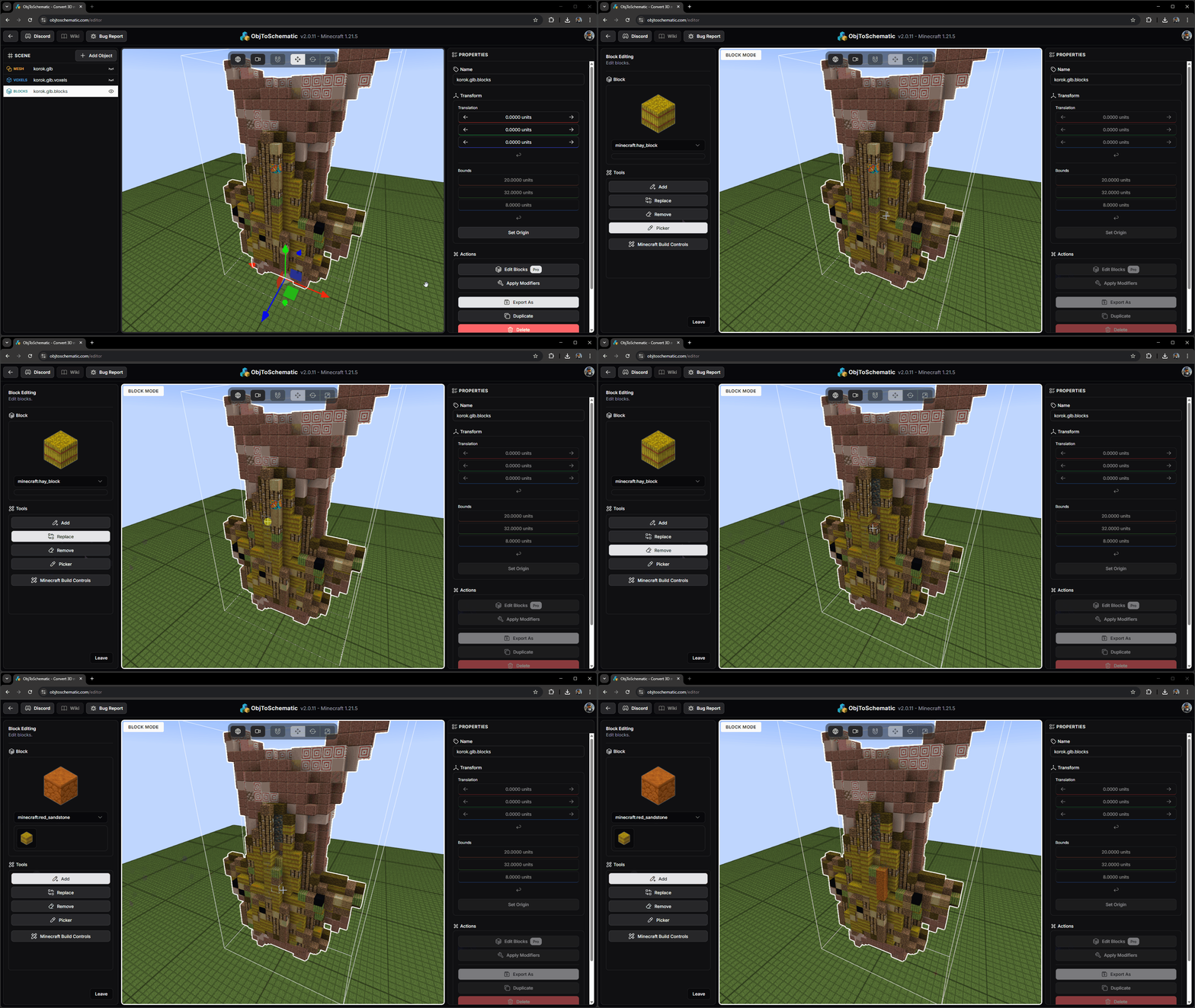
If you are using the Project workflow and have a voxel/block object selected then there will be an action to 'Edit Voxels' or 'Edit Blocks' respectively.
This will take you into a new editor mode where you can select a tool to use and place/replace/remove voxels or blocks. When you leave the editor mode the voxels/blocks will be saved.